Made for Nepali & English
Your words, beautifully captioned. Create, edit, and style Nepali & English subtitles in one place. Free to start, no credit card required.
or drag and drop a file
Video or audio · MP4, MOV, WebM, MP3
Features
What LipiSub does
Nepali & English
Native transcription with automatic language detection and code-switching. Translate to English, or the other way, in one pass.
Fixes what it hears
An AI pass corrects recognition errors and dialect before you ever open the editor, so you start from clean text, not a rough draft.
Word-level timing
Every subtitle is synced to the speech at the word, so lines land exactly on the beat with no manual nudging.
Live editor
Edit any line and watch it update on the video instantly. What you see in the editor is exactly what exports.
Burn in or sidecar
Export SRT, VTT and ASS free and instant, or burn styled subtitles straight into the video. Ready for YouTube, TikTok, anywhere.
Private by design
Your videos are stored securely and stay private to your account. Re-edit or re-export any time, and delete whenever you like.
- Free
- Free to try, no card
- < 2 min
- Processing time per video
- 6
- Subtitle styles included
- 4
- Export formats
Who it's for
Built for anyone who works with Nepali video
Content creators
Give your Reels, TikToks, and YouTube videos captions that carry your voice, timing, and style.
Businesses & marketers
Bring clear, styled subtitles to promotional videos, campaigns, and everyday social content.
Educators & students
Make lectures, tutorials, and explainers easier to follow, understand, and share.
Nepali content creators
Create for audiences who speak Nepali, English, or both. Keep your words accessible across languages.
How it works
Four steps, start to export
- 01
Upload your video
Your browser strips a small audio track and sends only that, a few megabytes, not gigabytes.
- 02
Pick your language
Choose Nepali, English, or auto-detect. Add a translation track in a second language if you want one.
- 03
Review & style
Corrected, timed subtitles appear in the editor. Fix anything, pick a look, see a live preview as you tweak.
- 04
Export & share
Download an SRT/VTT/ASS file, or burn the subtitles into your video at the quality you see. Free, unlimited.
Styles
All presets editable
Pick a preset to preview it on the sample line below. Font, colour, outline and position are all adjustable in the editor.
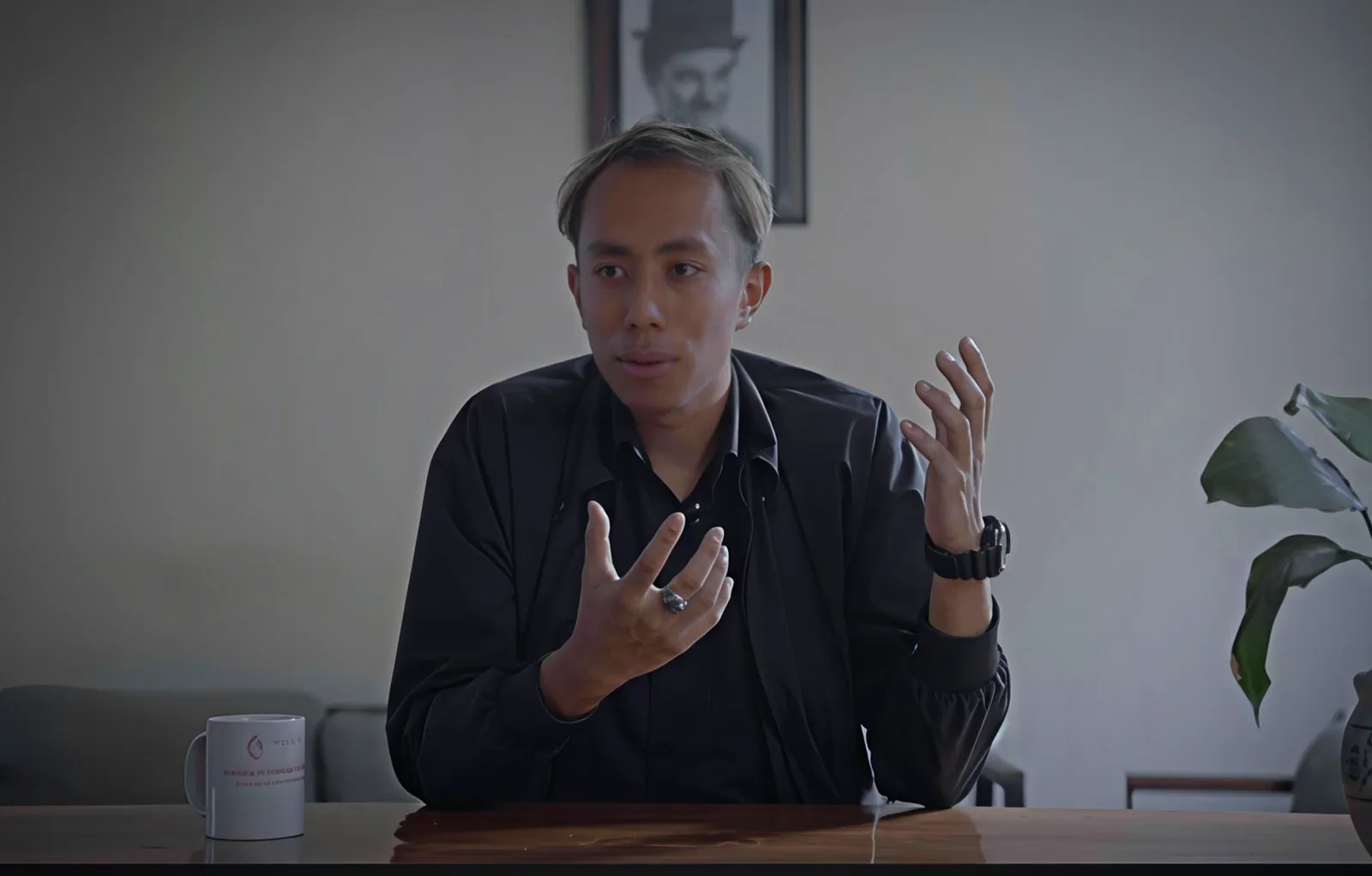
Hi, I'm Aadarsh,
Pricing
Priced per hour of content
Buy more, pay less. Credits never expire, and editing and exporting are always free. New accounts start with free minutes. Free-plan videos carry a small LipiSub logo; any pack removes it.
Enter hours to estimate your credit packs
- Nepali & English with translation either way
- Live editor and all six subtitle styles
- Unlimited SRT, VTT and ASS export
- Burned-in video export
- Credits never expire
FAQ